10 Essential Tips for Using Zhaga Controller Effectively?
In the rapidly evolving field of smart lighting, the Zhaga Controller plays a pivotal role in enhancing the efficiency of lighting systems. Renowned expert Dr. Emily Zhang, a leader in smart lighting technology, once stated, "Integrating the Zhaga Controller ensures seamless communication and flexibility in lighting setups." This statement encapsulates the essence of leveraging this technology effectively.
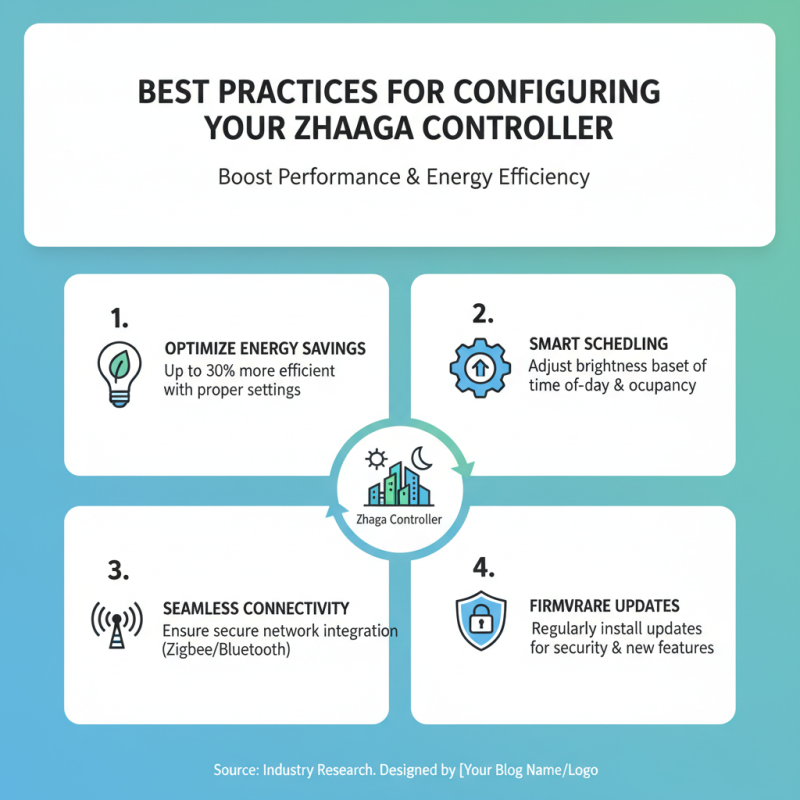
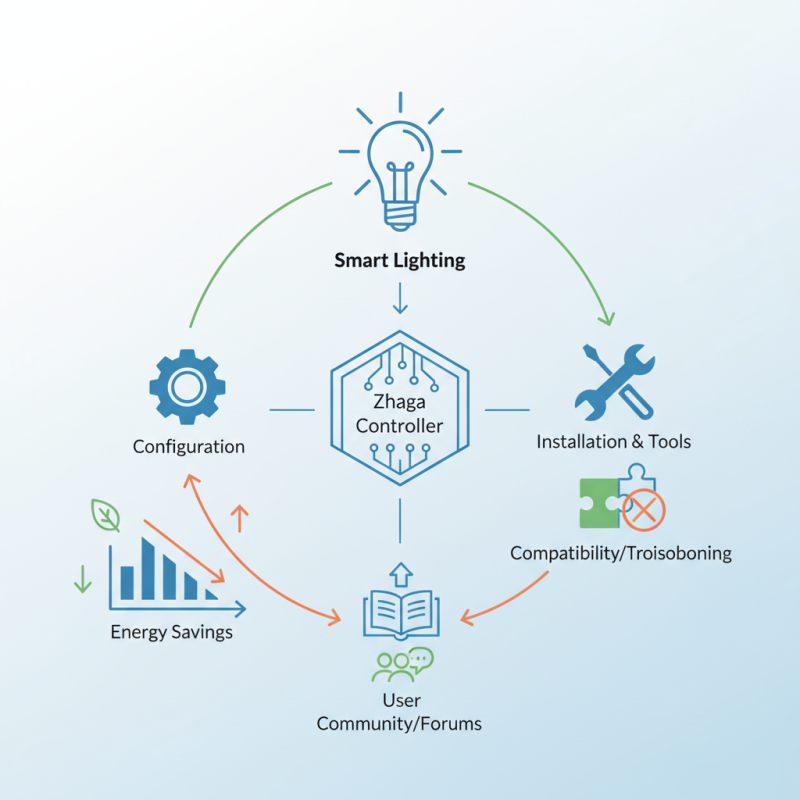
Utilizing the Zhaga Controller involves a few essential strategies. For instance, knowing how to configure it properly can optimize lighting performance. It allows for easy adjustments and updates, which can lead to energy savings. However, some users struggle with installation or compatibility issues. Such challenges can hinder effective use.
The importance of staying informed about best practices cannot be overstated. For example, understanding the latest firmware updates can prevent potential disruptions. Engaging in user forums or communities helps share experiences and solutions. Ultimately, making the most of the Zhaga Controller requires a balance of knowledge, tools, and proactive troubleshooting.
Understanding the Basics of Zhaga Controller Technology
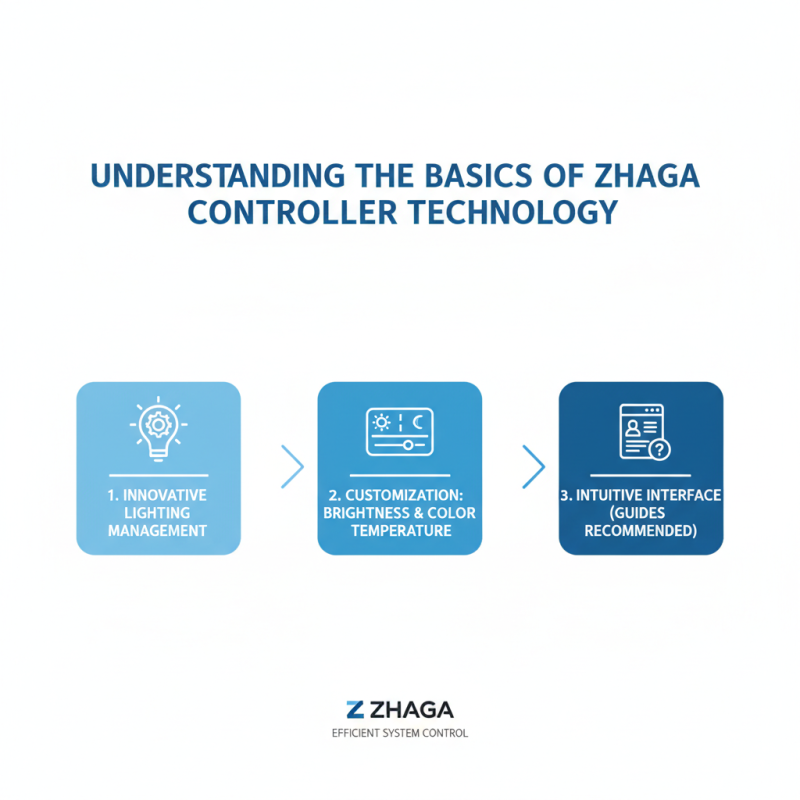
The Zhaga Controller is an innovative technology designed for managing lighting systems efficiently. Understanding its basic features is crucial for effective use. This controller enables customization of lighting setups based on specific needs. Users can adjust brightness and color temperature easily. Many find the interface intuitive, yet some might struggle initially with navigation. Familiarizing oneself with the setup guides is recommended.
Different scenarios require different settings. For instance, commercial spaces benefit from a colder light, while cozy cafes may prioritize warmer tones. Experimenting with various configurations can lead to optimal results. However, users often overlook how environmental factors impact lighting quality. Natural light, room color, and furniture placement all play significant roles.
One significant aspect often neglected is maintenance. Regular software updates are essential for performance. Users might forget to check for updates, leading to potential issues. Additionally, not all features are apparent at first glance. Taking time to explore the system settings can unveil hidden functionalities. This exploration might reveal new ways to enhance your lighting experience.
Key Features and Functions of Zhaga Controllers
Zhaga controllers are essential for smart lighting systems. They provide a perfect solution for managing and optimizing energy use. Understanding their key features is crucial for effective usage. These controllers enable communication between lights and sensors, enhancing efficiency. They can integrate easily into existing systems. This integration is vital for seamless operations.
When using Zhaga controllers, consider configuring settings based on specific needs. Each environment is unique, and a one-size-fits-all approach often lacks effectiveness. Adjusting parameters can significantly impact performance and energy savings. Regularly reviewing these settings can uncover areas for improvement. A simple tweak may lead to better results.
Testing installation locations is critical. Not every spot will provide optimal functionality. Sometimes, moving a controller just a few inches can improve connectivity. Ensure that sensors are not obstructed. Obstructions can lead to inaccuracies in data collection. This impacts overall system performance. Pay attention to the details for best results.
10 Essential Tips for Using Zhaga Controller Effectively
| Tip |
Description |
Key Feature |
Functionality |
| 1. Understand Compatibility |
Ensure that your fixtures and controllers are compatible with Zhaga standards. |
Interoperability |
Works with various manufacturers' products. |
| 2. Use Smart Features |
Leverage smart controls for energy efficiency and automation. |
Smart Technology |
Programmable settings for lighting control. |
| 3. Install Properly |
Follow manufacturer guidelines for installation to avoid issues. |
User Manual |
Guidelines for error-free installation. |
| 4. Regular Updates |
Keep the firmware updated for optimal performance. |
Firmware Updates |
Enhances features and security. |
| 5. Monitor Performance |
Use monitoring tools to track energy usage and performance. |
Energy Monitoring |
Tracks power consumption trends. |
| 6. Custom Settings |
Customize settings for different environments. |
Adaptability |
Adjustable light levels based on usage. |
| 7. Utilize Scheduling |
Set schedules for automatic lighting adjustments. |
Time Scheduling |
Automatic management of lighting based on time. |
| 8. Energy Saving Modes |
Activate eco-friendly modes to save energy. |
Eco-Friendly Options |
Reduces energy waste. |
| 9. User Training |
Provide training for users on how to use the system effectively. |
User Education |
Ensures proper usage and maximizes benefits. |
| 10. Seek Support |
Don’t hesitate to contact support for troubleshooting. |
Customer Support |
Access to expert assistance when needed. |
Troubleshooting Common Issues with Zhaga Controllers
Using Zhaga controllers can sometimes be challenging. Users may face issues that disrupt performance. One common problem is connectivity. When the controller loses connection, it can cause entire systems to go offline. Check all cables and connections. Ensure they are secure. If the issue persists, consider resetting the controller. This simple step can often resolve connectivity problems.
Another frequent issue is incompatible settings. Sometimes, the controller may not communicate properly with other devices. Review the configurations and settings on all devices involved. Ensure they match perfectly. Additionally, firmware updates may be necessary. Outdated firmware can lead to unexpected behavior. Don't overlook this crucial detail.
Lastly, power fluctuations can affect performance. If the controller seems unresponsive, examine the power supply. Irregular power can create instability. Using a surge protector may help in maintaining a steady flow. Reflect on these tips when encountering troubles. Even minor oversights can lead to larger troubles. Being proactive is key to effective use.
10 Essential Tips for Using Zhaga Controller Effectively
Enhancing Energy Efficiency with Zhaga Controllers
When considering energy efficiency, Zhaga controllers offer a robust solution for lighting systems. Their ability to manage power effectively can lead to significant energy savings. With smart design, these controllers can adjust light levels in response to natural light. This ensures that spaces are well-lit without unnecessary energy waste. Small adjustments can make a big difference in overall energy consumption.
However, implementing these controllers effectively requires careful planning. Not every lighting system may be fully compatible. Exploring potential limitations is essential. Setting parameters that match the specific environment can be challenging. It’s tricky to find the right balance between light quality and energy savings. Testing various settings is crucial, but it can be time-consuming.
Monitoring energy usage post-installation is often overlooked. Regular checks help identify any inefficiencies. Analyzing data can reveal unexpected patterns in energy consumption. This insight can guide future adjustments. Experimenting with different configurations may lead to improvements, but it may also lead to setbacks. It’s important to remain flexible and open to feedback.